Details
-
Bug
-
Resolution: Unresolved
-
 Major
Major
-
None
-
None
-
None
Description
bat - file, reg, cmd - relative paths do not work when applying the background image.

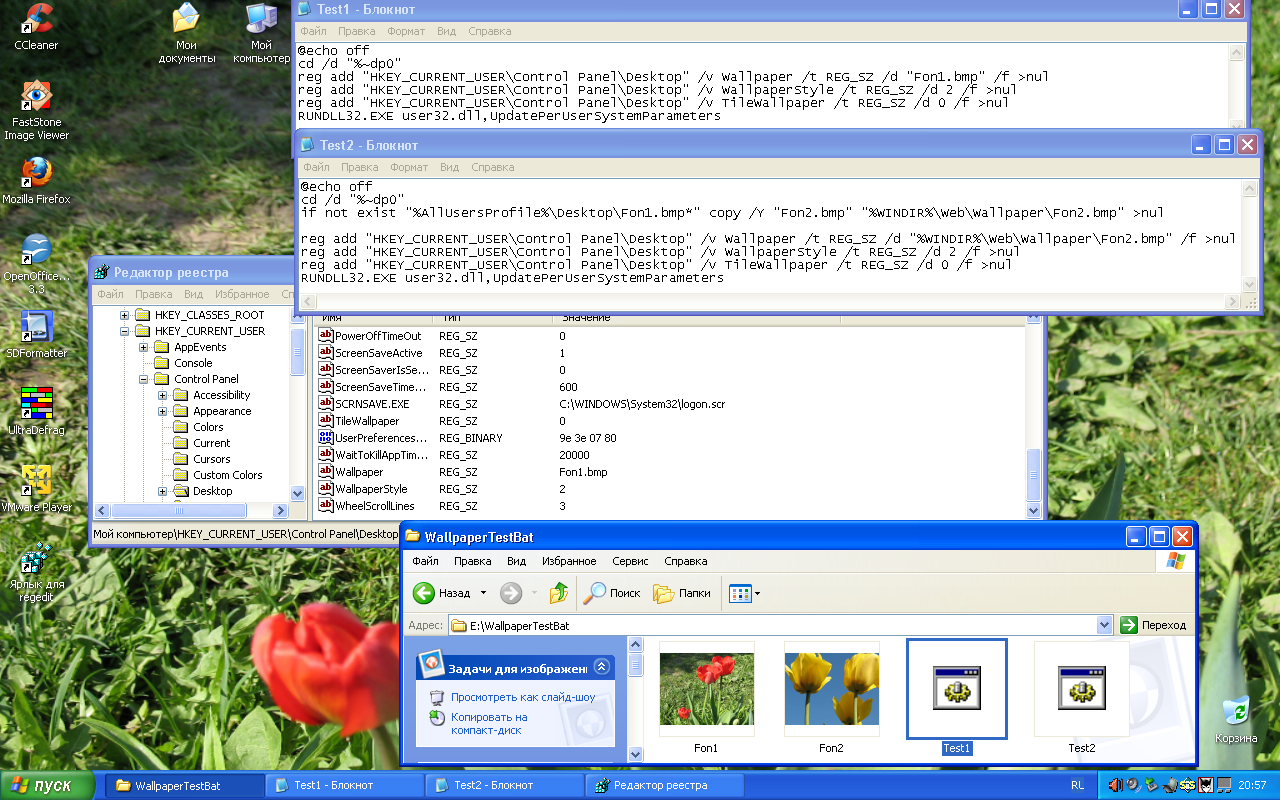
Test1.bat, code for the "temporary" desktop background, after a reboot it disappears:
@echo off |
cd /d "%~dp0" |
reg add "HKEY_CURRENT_USER\Control Panel\Desktop" /v Wallpaper /t REG_SZ /d "Fon1.bmp" /f >nul |
reg add "HKEY_CURRENT_USER\Control Panel\Desktop" /v WallpaperStyle /t REG_SZ /d 2 /f >nul |
reg add "HKEY_CURRENT_USER\Control Panel\Desktop" /v TileWallpaper /t REG_SZ /d 0 /f >nul |
RUNDLL32.EXE user32.dll,UpdatePerUserSystemParameters
|
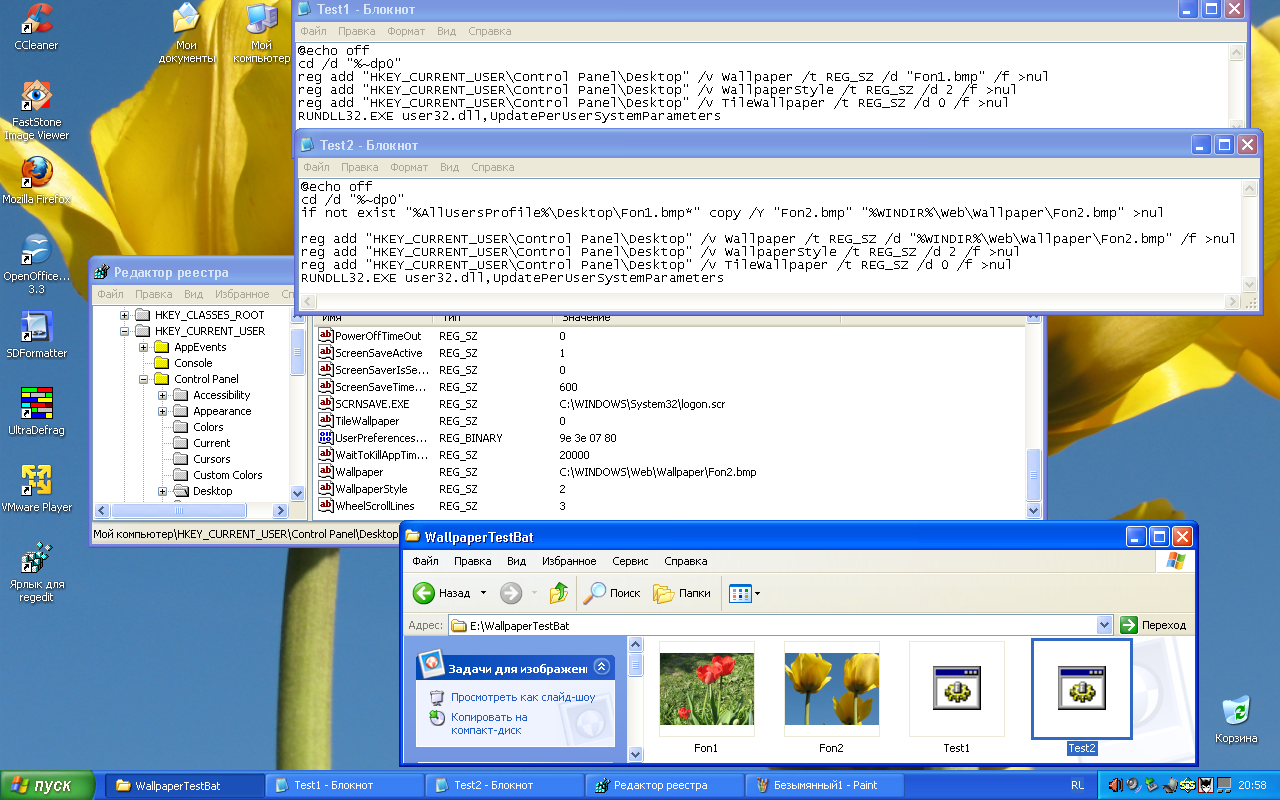
Test2.bat, the code works:
@echo off |
cd /d "%~dp0" |
if not exist "%AllUsersProfile%\Desktop\Fon1.bmp*" copy /Y "Fon2.bmp" "%WINDIR%\Web\Wallpaper\Fon2.bmp" >nul |
reg add "HKEY_CURRENT_USER\Control Panel\Desktop" /v Wallpaper /t REG_SZ /d "%WINDIR%\Web\Wallpaper\Fon2.bmp" /f >nul |
reg add "HKEY_CURRENT_USER\Control Panel\Desktop" /v WallpaperStyle /t REG_SZ /d 2 /f >nul |
reg add "HKEY_CURRENT_USER\Control Panel\Desktop" /v TileWallpaper /t REG_SZ /d 0 /f >nul |
RUNDLL32.EXE user32.dll,UpdatePerUserSystemParameters
|
Before the reboot in ReactOS, the wallpaper is not visible, because there is one more mistake:
CORE-14297
The code does not work:
RUNDLL32.EXE user32.dll,UpdatePerUserSystemParameters
|
Note.
Both tests in WindowsXP work fine, without rebooting
The use of wallpaper in this way is possible only with * .bmp files