Details
-
Bug
-
Resolution: Won't Fix
-
 Major
Major
-
None
-
None
-
None
Description
Using : reactos-bootcd-0.4.15-dev-4914-g2220e56-x86-gcc-lin-dbg
xvid 1.3.5 from https://downloads.xvid.com/downloads/Xvid-1.3.5-20171208.exe
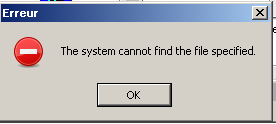
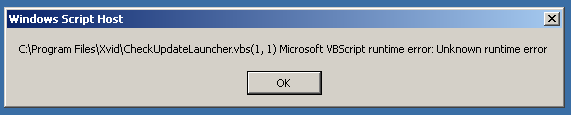
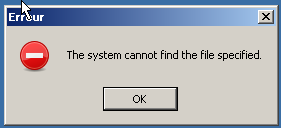
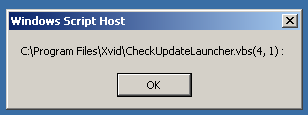
Installing xvid 1.3.5 and accepting check for automatic update leads to an error message at startup
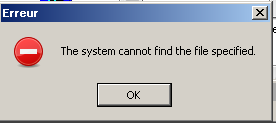
This seems to be because the command uses 2 arguments with long file names under quotes :
WScript "c:\Program Files\xvid\checkupdatelauncher.vbs" "c:\Program Files\xvid\checkupdate.ps1"
Log :
fixme:(dll/win32/shlwapi/url.c:1977) (L"WScript \"C:
Program Files\\Xvid\\CheckUpdateLauncher.vbs\" \"C:
Program Files\\Xvid\\CheckUpdate.ps1\"" 4): stub
fixme:(dll/win32/shell32/shlexec.cpp:1934) flags ignored: 0x00000100
fixme:(dll/win32/vbscript/vbscript.c:467) unimplemented SCRIPTSTATE_INITIALIZED
err:(win32ss/user/user32/windows/messagebox.c:1048) MessageBox: L"The system cannot find the file specified.\r\n"