Details
-
Bug
-
Resolution: Unresolved
-
 Major
Major
-
None
-
None
-
None
-
[unknown]
Description
NOTICE:
After more testing i have found some critical information:
1. Chromium will launch (sort of) properly every single time if you don't use the --no-sandbox flag
Launch with the no-sandbox flag once, it's going to work for the first time, and then result in the blank white screen every other time
2. The cause : Broken chromium profile stuff:
For some reason, when using the --no-sandbox flag, chromium seems to create bad profile data, and i assume when it tries to read it, it fails and causes the white screen seen.
3. The (temporary) solution: Delete all chromium profile data and launch again:
In C:\Documents and Settings\Administrator\Local Settings\Application Data\Chromium\User Data , delete the files in the root directory aswell as the files inside of the "default" folder (just delete the entire default folder
You will have to do this most of the time before launching chromium, but not all of the time, sometimes you can launch chromium 10+ times without having to delete the profile data
5. The best solution: Try and support chromium without the no-sandbox flag:
I don't know how complicated this would be but the nosandbox flag will probably cause more trouble and its just not a solution to getting chrome running
POSSIBLE solution WITHOUT taking away --no-sandbox:
> (ntoskrnl/mm/section.c:3869) Failed to reference section: 0xc0000022
It seems that Chromium is being denied access to memory, and this happens quite a few times, it doesn't seem to appear when Chromium actually launches properly
> (ntoskrnl/mm/ARM3/virtual.c:4774) Failed to insert the VAD!
Another MM-related error which is also likely to be causing issues
Revision #: reactos-bootcd-0.4.16-dev-973-g9a0ff8b-x86-gcc-lin-dbg
Expected Behavior
When launching Chrome[48] / Chromium[49] the homepage loads and the browser can be used
Experienced behavior:
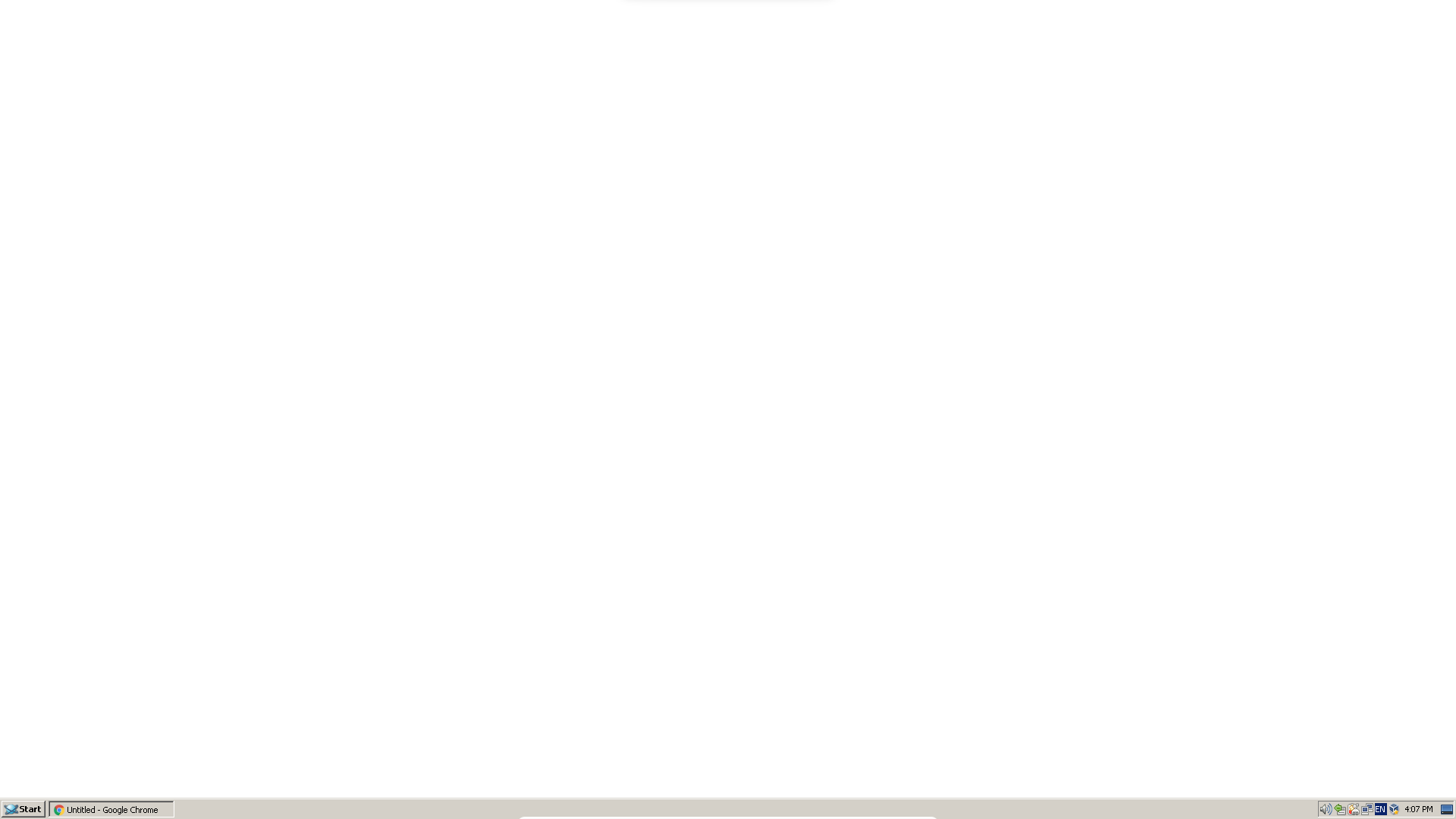
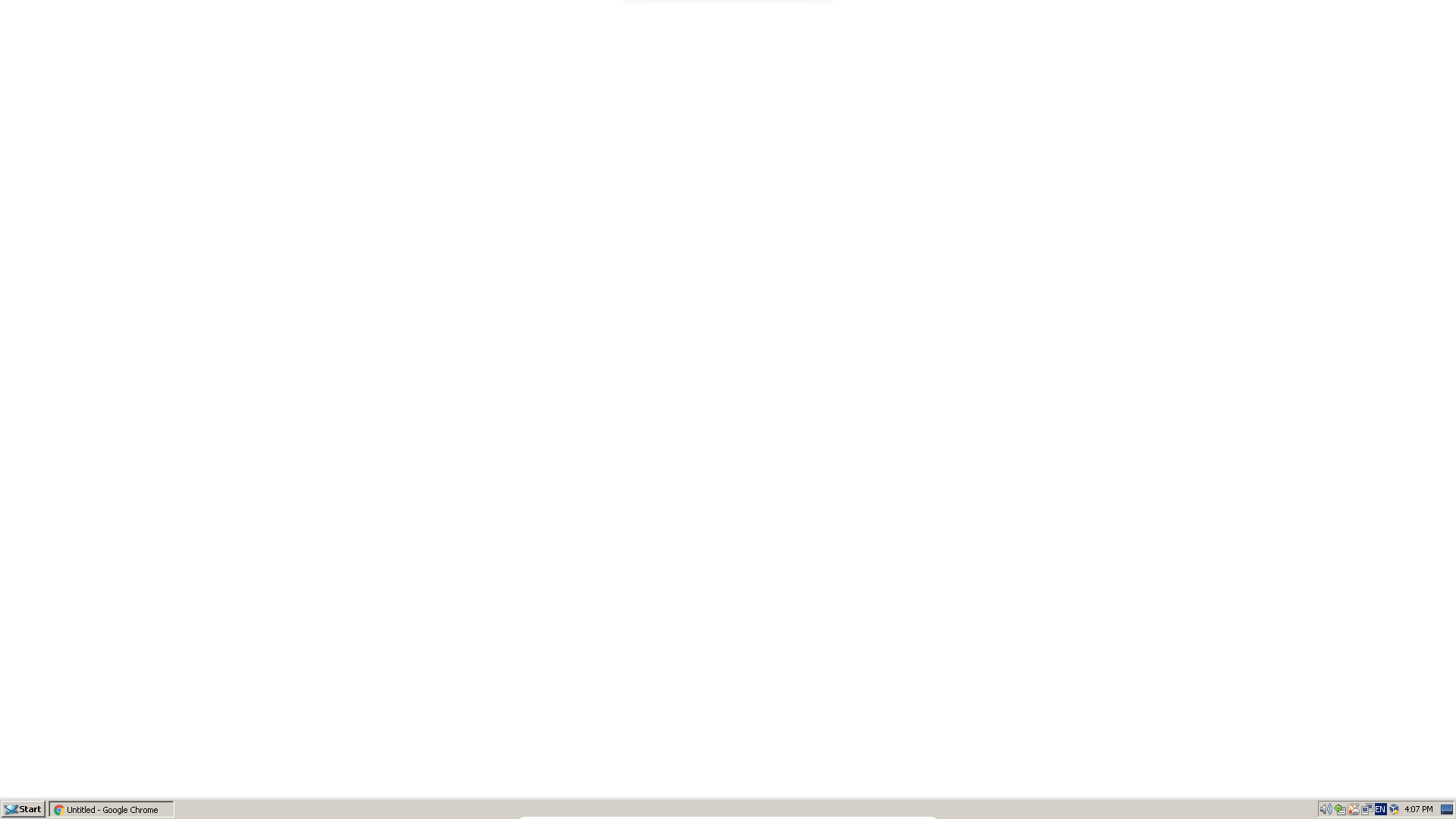
Launching Chrome[48] / Chromium[49] results in a blank white window, covering the entire screen except the taskbar: (see image)
Extra Information:
Running VirtualBox 5.2.44 with Guest Additions and 3d-Acceleration support enabled
Result is same with --no-sandbox flag
VRAM: 128
FS: fat32
NOTE: On the first launch after installing it, the browsers load but improperly, not rendering pages, but the top titlebar is visible.
Software revision links:
Attachments
Issue Links
- blocks
-
-
- Open
-