Details
-
Bug
-
Resolution: Fixed
-
 Major
-
None
Description
Steps to reproduce
- Open a Command Prompt.
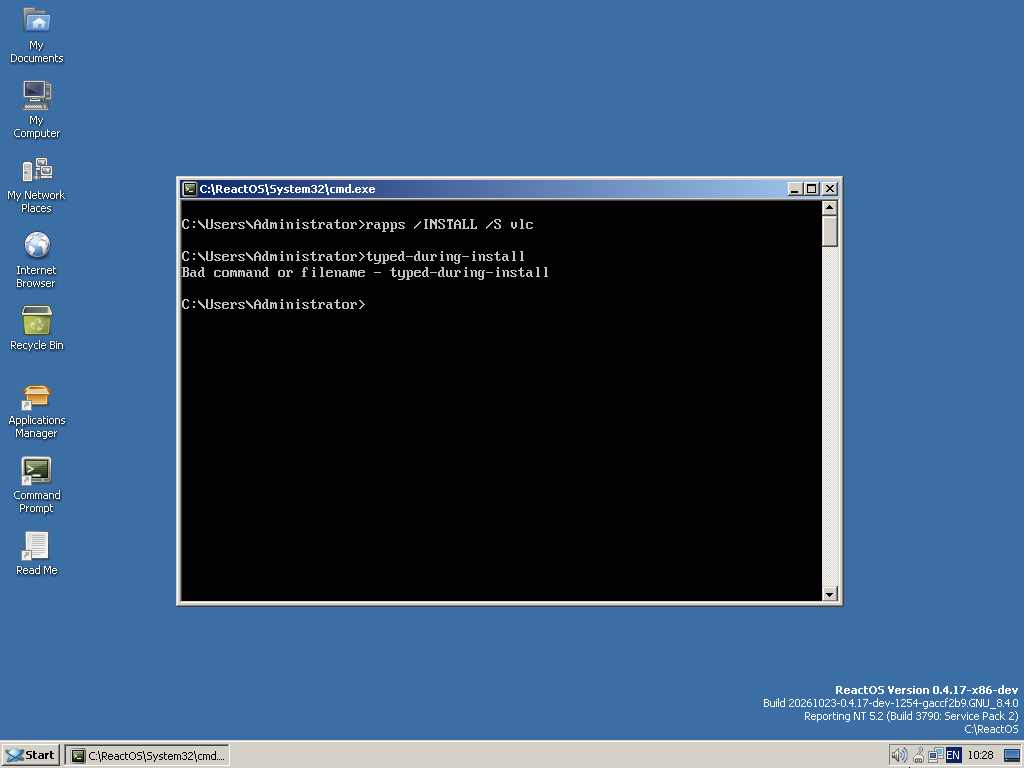
- Run rapps /INSTALL /S vlc and press Enter.
- About 2 seconds later, while RAPPS is still downloading, type echo hello and press Enter.
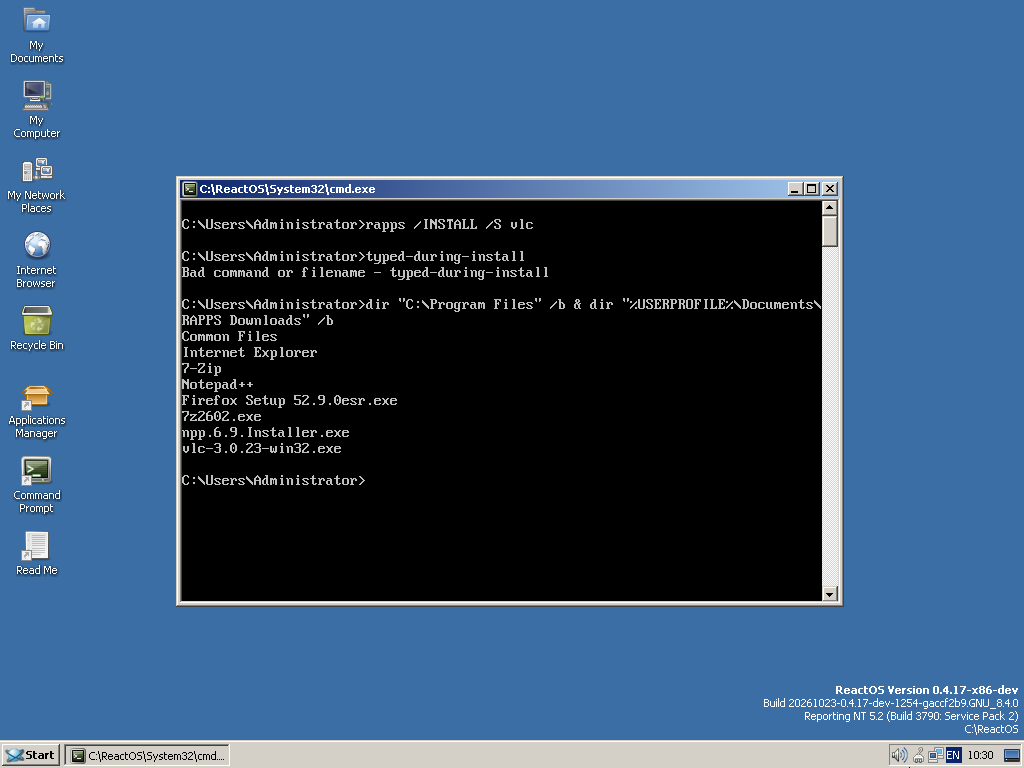
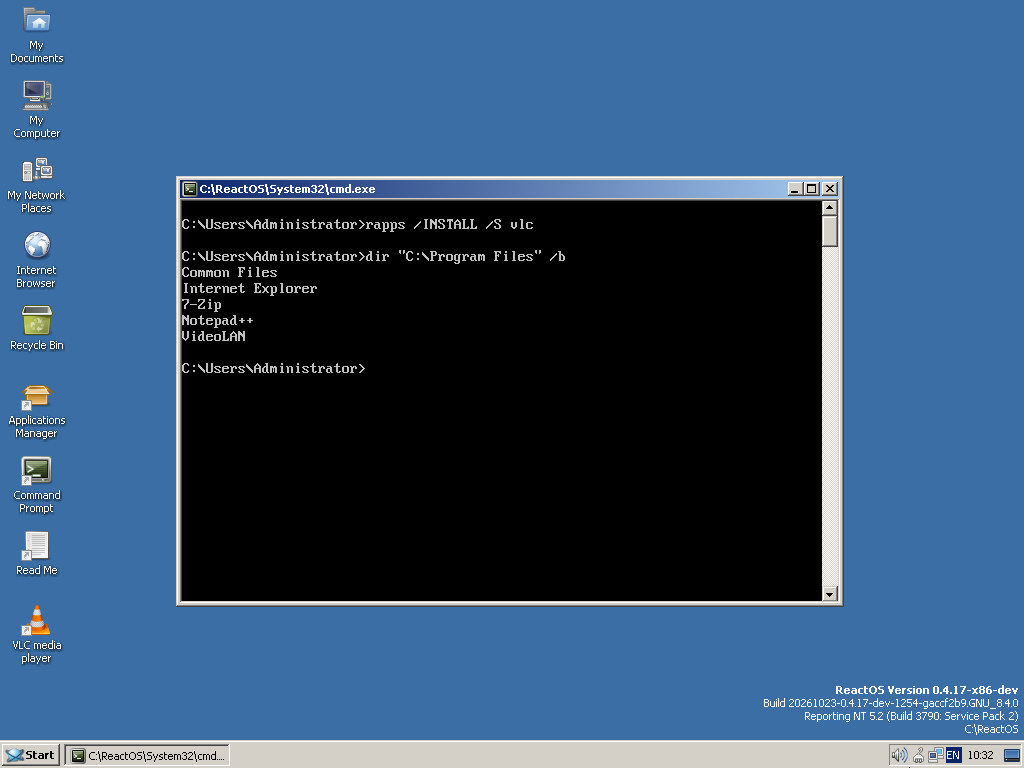
- Wait 90 seconds, then run dir "C:\Program Files" /b.
Expected result
VLC installs silently, the same as when nothing is typed. The keystrokes go to the console, which still has the foreground, so it runs echo hello.
Actual result
- The installer is downloaded (vlc-3.0.23-win32.exe is in Documents\RAPPS Downloads) but never run, so VLC is not installed.
- The console never receives the characters up to and including the first space. It reports "Bad command or filename - hello".
- rapps returns errorlevel 0. Nothing tells the user the install was cancelled.
Isolation (same VM, same session)
| Package | Typed during the download | Result |
|---|---|---|
| npp | nothing | Installed |
| vlc | nothing | Installed |
| vlc | echo typed-during-install + Enter | Downloaded, not installed; {{echo }} lost |
| firefox-esr | typed-ahead next command line | Downloaded, not installed; echo f lost |
| pnotepad | abcdefgh (no space) | Installed; all 8 characters lost |
So the keyboard focus moves to RAPPS's hidden window during a silent install. A space in the typed text cancels the install.
Cause
In base/applications/rapps/loaddlg.cpp, CDownloadManager::Show() creates the silent dialog with CreateDialogParamW and hides it in WM_INITDIALOG. WM_INITDIALOG returns TRUE, so the dialog manager still gives the focus to the first tab stop. In IDD_DOWNLOAD_DIALOG that is the Cancel button. A space reaching it produces BN_CLICKED -> IDCANCEL -> m_bCancelled = TRUE, which skips the install after the current download.
Fix proposed in a PR: return FALSE from WM_INITDIALOG when the dialog is silent. As a separate issue, rapps /INSTALL could also return a non-zero exit code when the install is cancelled.
Screenshots and the debug log excerpt are attached.