Major
Description
ReactOS ver: ReactOS-0.4.17-dev-1247-ge46f4bb
Arch: x86 (I guess reproducible in both x86 and x64)
Compiler: All (gcc, msvc shows the same bug)
Driver link: https://download.vb-audio.com/Download_CABLE/VBCABLE_Driver_Pack43.zip
Description:
The driver VBAudio emulates a sound card into the own ReactOS system, it setups manually. However, it hangs like 10 times as soon as it is started a software that loads audio. It's a cool way to reproduce some misbehavior.
Steps to reproduce the bug:
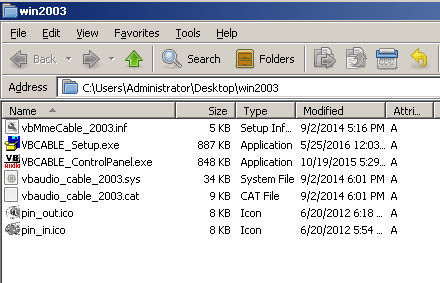
1. Clean the unnecessary drivers, keep only the inf/cat/sys from w2003. ReactOS tends to try to install the x64 version or a NT6+ version by default, so having different .inf s makes to collide.
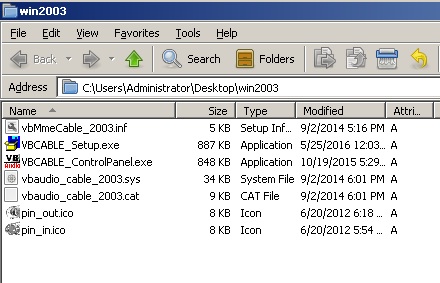
2. Open the GUI-setup that has the driver, VBCABLE_Setup.exe , and click on install. You will face CORE-18983
2. Right click to the .inf (vbMmeCable_2003.inf) and press install.
3. Reboot.
4. After the reboot, a new "unknown device" will appear. Point the new dev wizard to the .inf previously used.
5. The driver is setup, VB-Audio Virtual Cable. Set it as the audio driver.
6. Run an Audio software (or simply reboot again and try the startup).
Bug:
The system will assert 10 times as soon as any audio tries to play, they can be ignored, but the behavior is not ok. Once is loaded, the driver works, but it have issues with resampling.
Log: Pending to fill, bring me a little time to complete.