Details
-
Bug
-
Resolution: Fixed
-
 Major
Major
-
None
-
None
-
Operating System: ReactOS
Platform: x86 Hardware
URL: http://www.osronline.com/article.cfm?article=97
Description
The DeviceTree 2.30 tool from OSR
(http://www.osronline.com/article.cfm?article=97) has problems extracting its
helper driver from itself : when initializing, it tries to find an existing
running copy of its helper driver "objinfo" and if not, it attempts to extract
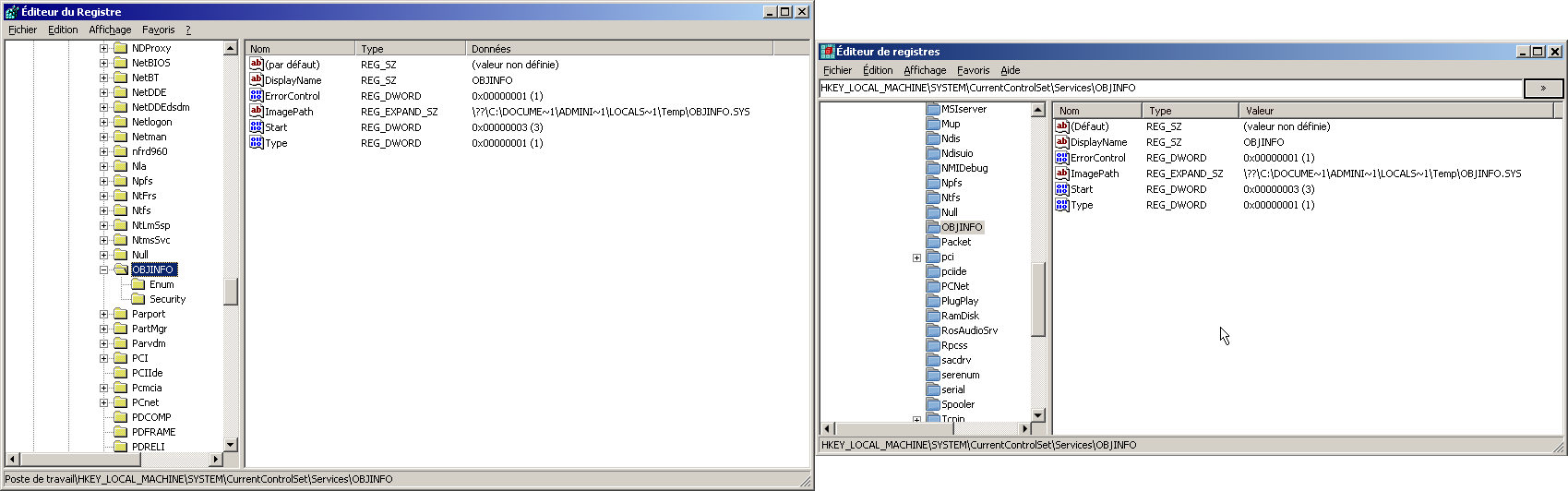
from itself the driver file objinfo.sys to C:\Documents And
Settings\user_name_("Administrator"_on_ReactOS)\Local Settings\Temp\ and then
launches it. This driver is used to enumerate devices by the tool.
The problem is, that the driver image cannot be loaded : see the debug log :
(here a call to ScmLoadDriver() in base/system/services/driver.c is issued from
ScmStartService())
(C:/Users/ReactOS/trunk/reactos/ntoskrnl/mm/ARM3/sysldr.c:2694) ZwCreateSection
failed with status 0xc000012f
(C:/Users/ReactOS/trunk/reactos/ntoskrnl/mm/ARM3/sysldr.c:3002) ZwCreateSection
failed with status 0xc000012f
(C:/Users/ReactOS/trunk/reactos/base/system/services/database.c:1634)
ScmStartService() done (Error 193)
err:(C:/Users/ReactOS/trunk/reactos/dll/win32/advapi32/service/scm.c:2650)
RStartServiceW() failed (Error 193)
(Debug log obtained by activating the Wine debug channel advapi and by
activating debugging output in services.exe)
!error 0xc000012f
0xc000012f is STATUS_INVALID_IMAGE_NOT_MZ.
!error 193
193 is ERROR_BAD_EXE_FORMAT.
Indeed, the driver file objinfo.sys is corrupted, and my thoughts were verified
after I checked the contents of the extracted objinfo.sys file and compared it
to its "clean" counterpart (see the attached files). The first bytes of the
files are corrupted, in particular the 'MZ' signature is missing.
This problem only happens in ReactOS. I've tested this program under Windows
Server 2003 (and Windows 7) and it works quite well. Perhaps it is a problem
with the C runtime, because DeviceTree uses mfc42u.dll and msvcrt.dll. These
files, included in the provided copy of DeviceTree, were copied from a clean
installation of Windows Server 2003 SP1.