Details
-
Bug
-
Resolution: Unresolved
-
 Major
Major
-
None
-
None
-
None
Description
Steps to reproduce:
- Have an operational ReactOS installation that successfully brings you to desktop
- Boot to bootcd (compiled with any compiler)
- Choose not to upgrade the installation
- Select the installation partition with operational ReactOS instance, on prompt to format the partition choose Keep current file system (no changes)
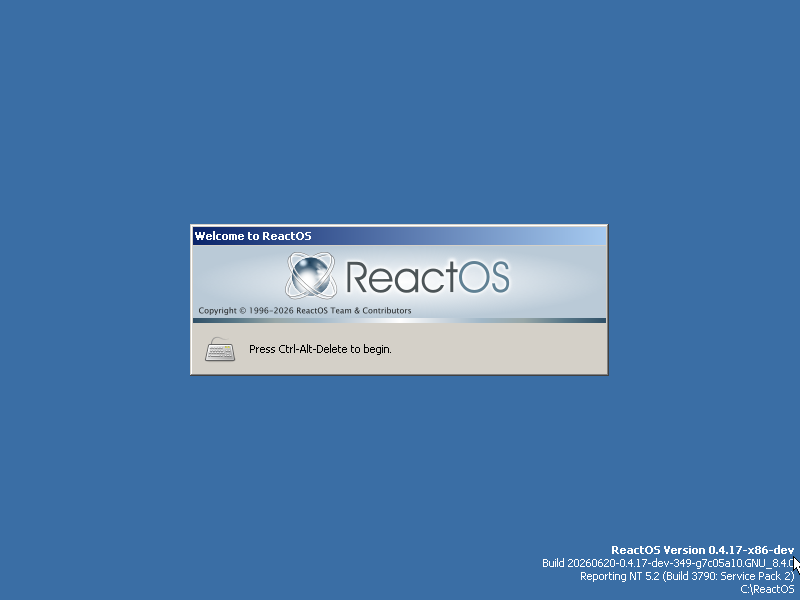
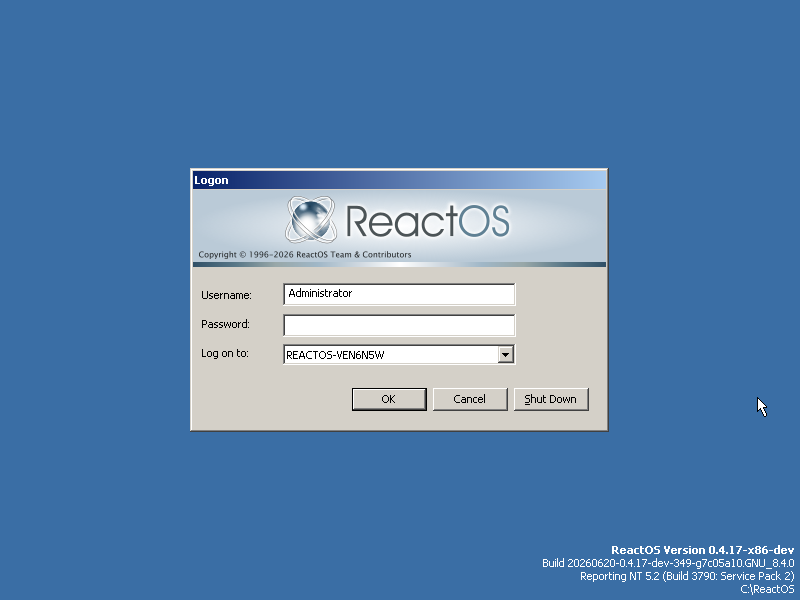
After installation finishes, you will be able to complete the second stage of setup. But as soon as you reboot, your installation will be bricked.
err:(dll\win32\lsasrv\lsarpc.c:1452) LsapOpenDbObject(Accounts/S-1-5-21-625631842-1874117025-1685452090-513) failed (Status 0xc0000034) |
err:(dll\win32\lsasrv\lsarpc.c:1452) LsapOpenDbObject(Accounts/S-1-5-11) failed (Status 0xc0000034) |
err:(dll\win32\lsasrv\lsarpc.c:1452) LsapOpenDbObject(Accounts/S-1-5-5-0-13765) failed (Status 0xc0000034) |
err:(dll\win32\lsasrv\lsarpc.c:1452) LsapOpenDbObject(Accounts/S-1-2-0) failed (Status 0xc0000034) |
(win32ss\user\ntuser\desktop.c:1370) err: ptiLastInput is CLEARED!! |
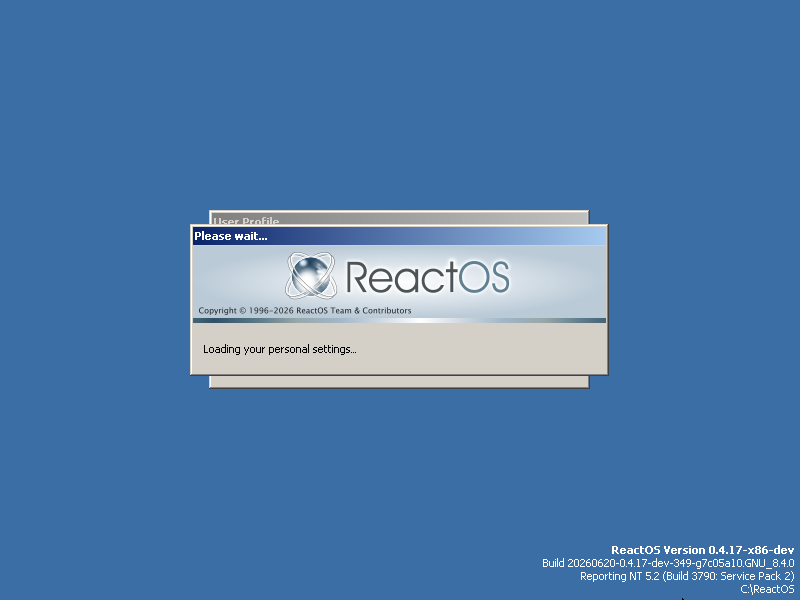
(dll\win32\userenv\profile.c:2052) Profile S-1-5-21-625631842-1874117025-1685452090-500 already loaded |
(dll\win32\userenv\profile.c:211) IncrementRefCount(S-1-5-21-625631842-1874117025-1685452090-500 00000000) |
(dll\win32\userenv\profile.c:231) Error: 2 |
(dll\win32\userenv\profile.c:2166) IncrementRefCount() failed (Error 2) |
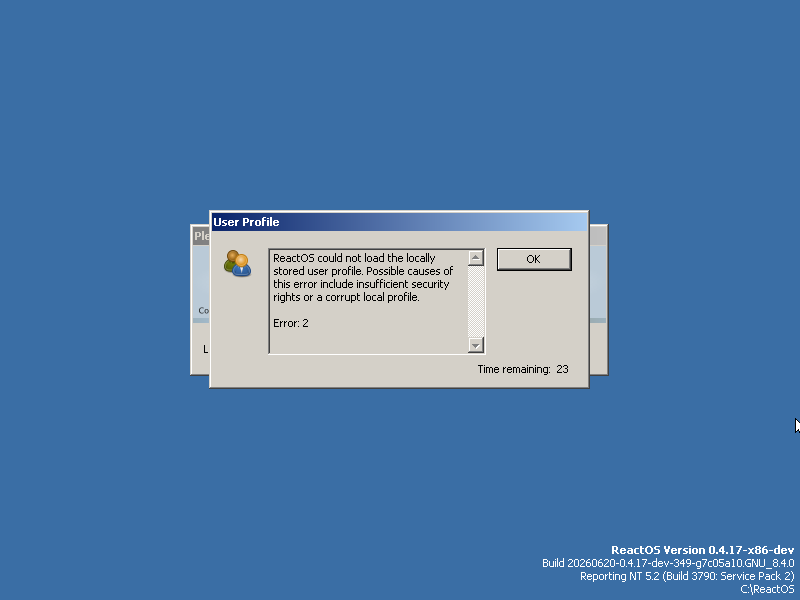
(dll\win32\userenv\misc.c:451) ReactOS could not load the locally stored user profile. Possible causes of this error include insufficient security rights or a corrupt local profile. |
|
|
Error: 2 |
(win32ss\user\ntuser\cursoricon.c:1958) err: Failed to mask the bitmap data. |
(win32ss\user\ntuser\cursoricon.c:1958) err: Failed to mask the bitmap data. |
err:(base\system\winlogon\sas.c:628) WL: LoadUserProfileW() failed |
(win32ss\user\ntuser\desktop.c:1370) err: ptiLastInput is CLEARED!! |
(win32ss\user\ntuser\message.c:1460) err: UserPostMessage: Invalid handle 0x000500B0 Msg 0x0! |
(win32ss\user\winsrv\usersrv\init.c:171) We are logged off |
Attachments
Issue Links
- is duplicated by
-
-
- Resolved
-
-
-
- Resolved
-